






Imagine people from different countries visiting your website. They find an interesting product, but the text is confusing, prices don’t match their currency, and parts of the site feel unfamiliar. As a result, users leave quickly and rarely return. That’s why a company must start with website localization when entering a global market.
Complex projects take more time and effort, but the investment is worth it. After all, your website serves as the primary tool to connect with potential customers.
In this article, we explain what localization of websites means and how it differs from simple translation. Also, we’ll show you the steps you can take to attract international traffic and turn visitors into loyal customers.

Table of Contents
What Is Website Localization?
Website localization is the process of adapting your text, design, and all elements to suit the needs of users in another country. It’s important to keep in mind that translation and localization are different.
Translation is just turning words from one language into another. Localizing a website, however, goes further. It involves adapting the language style, currency, date format, pictures, and tone of communication. Translation is only one small section in the whole localization process.
Example:
Imagine a U.S. company launching its website in France. Translating English into French is not enough. You also need to:
- Show prices in euros, not dollars.
- Change dates and sizes (for example, use “centimeters” instead of “inches”).
- Update colors and visuals to fit French culture.
- Use a more polite tone since people in France prefer polite, professional language.
- Add local payment and delivery options.
These changes help visitors understand the site better and trust your brand more.
How To Localize a Website
If you are ready to enter the international market, site localization requires a clear and structured action plan. In this section, we will show the step-by-step process. This way, your website meets the expectations of users in different countries and works effectively for your business. Each step helps avoid mistakes and achieve results faster.

Planning & Preparation
The marketing team decides which parts of the website to update for the new market and how to implement these updates. They define pages to modify, assign who will translate, design, and handle technical aspects, and set deadlines and a budget.
If a U.S. company plans to launch in Germany, it is necessary to decide in advance:
- Which pages to translate and localize
- Who will review and approve the German texts
- Who will set up payment methods in euros
- How much time and money will the site adaptation take
Clear planning helps avoid mistakes and reduce time and resource costs.
Market Research
Here, the team studies the new market and users to understand their needs and habits. They analyze language, popular products, local payment methods, and buyer behavior. They also evaluate competitors and their websites.
For example, if a company is entering the UK market, research may include:
- What language and terms users use to search for products
- Whether delivery by courier or pick-up is more popular
- Which competitor websites offer similar products, and how they present information
- Whether you need to adjust the design for British users (for example, colors or button placement)
This data helps make decisions about content, design, and website functions. It ensures the site is clear and convenient for people in that region.
Localization Workflow
Before starting, plan the workflow carefully, including who handles translations, design adjustments, development tasks, and quality checks. If everyone works on their tasks individually and doesn’t communicate with one another, things will turn chaotic. That’s why you split tasks between translators, developers, designers, and QA testers and decide who does what and when.
See how it normally works:
- Translators adapt the text in a language that’s appropriate so the local audience can read and understand.
- Designers pick colors, pictures, and layouts that the people in the new country will like.
- Developers select the appropriate currency, the date format, and the payment options.
- QA testers check whether the site works fine on all devices.
Stick to your plan, and you avoid the mess, save time, and people in the new country find the site easy and natural to use.
Keyword Research
Don’t forget that simply translating the words from your website is not enough. You need to understand which words people actually use in each region when they search to help people find you in search engines.
Check this example:
- If you sell sneakers in the UK, people will search for “trainers,” not “sneakers.”
- In France, people often look for “chaussures de sport” instead of the direct translation “baskets”.
Always check if these keywords are in your website text, titles, meta tags, and product descriptions. Using locally relevant keywords brings more visitors and increases sales.
Tip: You can find the right keywords manually by looking at what people type on Google or by checking local competitors. You can also use special tools like Google Keyword Planner to see the most popular search phrases in each country.
Website Internationalization
It’s time to talk about the technical side of localization. Developers get the website ready to work in different languages and countries. Do it right now, and you won’t need to redo everything later.
Main steps:
- Store all text separately from the code. Translators can update the words without touching every page. Tools like Phrase TMS or Lokalise help manage this.
- Add language selection. Allows users to pick their preferred language. If a language isn’t available, the site shows a default version.
- Set date, number, and currency formats. For example, the U.S. format for October 9, 2025, is 10/09/2025, while European countries use 09.10.2025. currencies and decimals to follow the region’s style.
- Support different symbols. Display Latin letters, Chinese characters, or Arabic script correctly by using UTF-8 encoding to manage all characters.
Following these steps early helps add new languages later, avoids mistakes, and saves money. Visitors from other countries see the site in a way that fits their local habits.
Content Localization
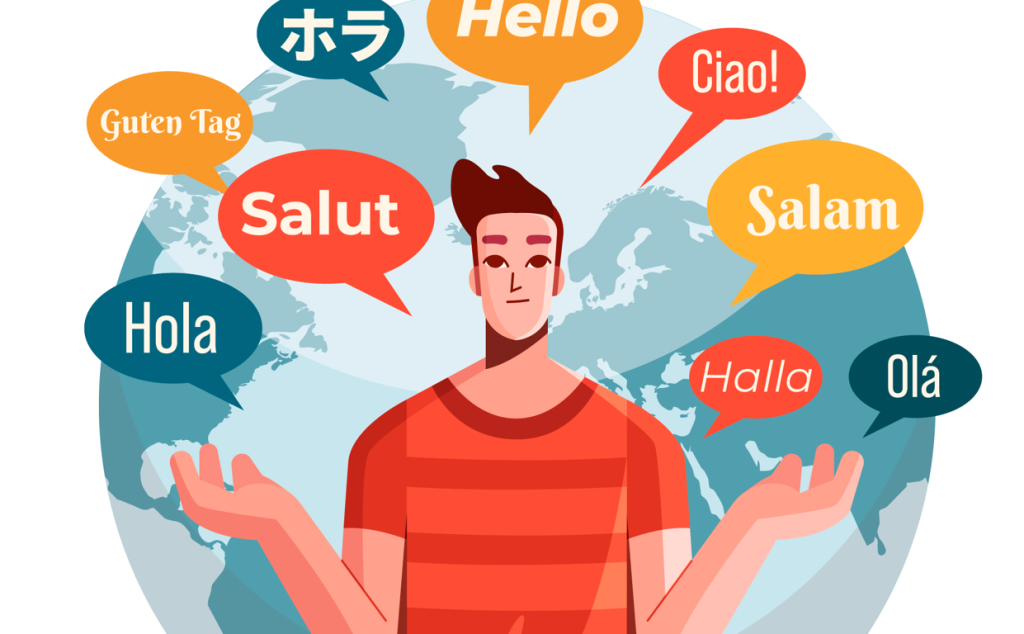
This step is about changing text, images, and other materials so people in the new country understand them easily. Translation alone doesn’t cover everything, as the content should match local and cultural habits.
For example, a joke that works in the U.S. travel blog might confuse people in Germany. Editors swap examples, slogans, and text to match what locals know and like.
Types of translation:
- Human translation: A native-speaking translator translates the text so it reads naturally for local people. Works best for marketing or tricky content.
- Computer translation: Software translates text automatically. It’s fast and useful for simple materials such as instructions or FAQs.
- Combined translation: Software translates first, then a human editor reviews and refines it. This approach balances speed with quality.
The aim is for the website to look like it belongs in that country and speak to the people there.
You can use Rapid Translate to work with your texts. This platform helps translate any text, even difficult ones, quickly and professionally. It saves time and lets you focus on other parts of website localization.
UX Localization
UX localization is responsible for how users move through a website and interact with it. It’s not about page design, but about processes that help complete a purchase without mistakes or confusion.
Key parts of UX localization:
- Forms and fields: Addresses, phone numbers, and postal codes follow local rules.
- Payment and delivery: Users see familiar payment methods and convenient delivery options.
- Messages and instructions: Text on buttons, pop-up hints, and action confirmations are easy for anyone to understand.
- Page logic: The path from viewing a product to completing a purchase is short and clear.
Developers implement localized features, while UX specialists test and refine the user journey to ensure everything works seamlessly. As a result, users quickly find what they need and complete purchases without extra steps. This increases satisfaction and drives more sales for the business.
Testing
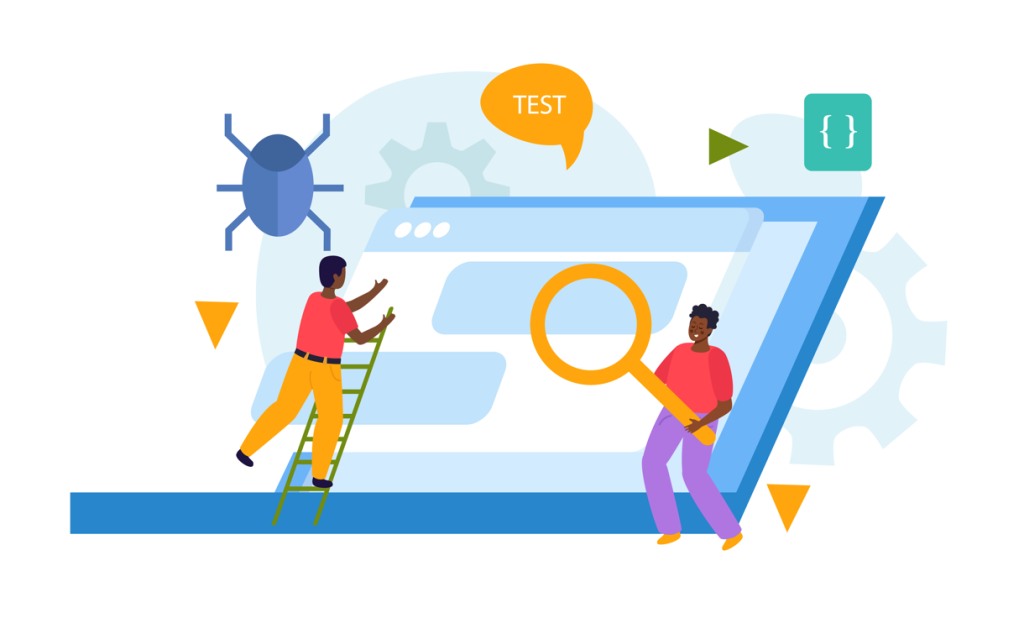
Testing ensures that your website works well for users in other countries. The QA team goes through the site step by step and tests everything. They verify the dates, numbers, and money display correctly and review translations against the original text. They also test the site on different devices and browsers, from phones to large monitors.
After identifying issues, the team reports them to the developers and verifies the fixes once completed. This process can take a few days to two weeks, depending on the site size and the number of languages.The goal is to provide a smooth, error-free user experience and let them complete purchases without problems.
Final Thoughts
Ready to enter the international market? Then you’ll need good specialists at every stage of your website work. The first and most important step is localizing website content so it fits the language and culture of your audience.
Luckily, Rapid Translate offers full translation and localization support so your brand sounds natural anywhere in the world.Once your content is ready, you can bring in developers, UX experts, and testers to make your site work smoothly on any device. When everything comes together, your website feels truly local, as if it were made just for that audience.
Frequently Asked Questions
How does website localization work?
Site localization changes the content, look, and functions of your site so people in another country can use it comfortably.
Can one translator do the whole website?
No. Site localization needs a team. Translators, developers, and UX experts all work together to change content, design, and functions for the local users.
Can I rely only on automatic translation?
No. Machine translation helps with speed, but humans must check content, design, and functions so everything works well for users in that country.